Your influencer campaigns have outgrown spreadsheets when the sheet is no longer the single source of truth: drafts live in WhatsApp, links arrive late, payments need double-checking, and you can't answer a client's 'where are we?' without asking three people. At that point, the fix is moving the messy parts first, not everything at once.
Spreadsheets are a great way to start. They're free, flexible and everyone knows how to use them. Plenty of good campaigns have been run from a Google Sheet. This guide is about recognising when the sheet has started costing you more time than it saves, and what to do about it.
Why spreadsheets work, until they don't
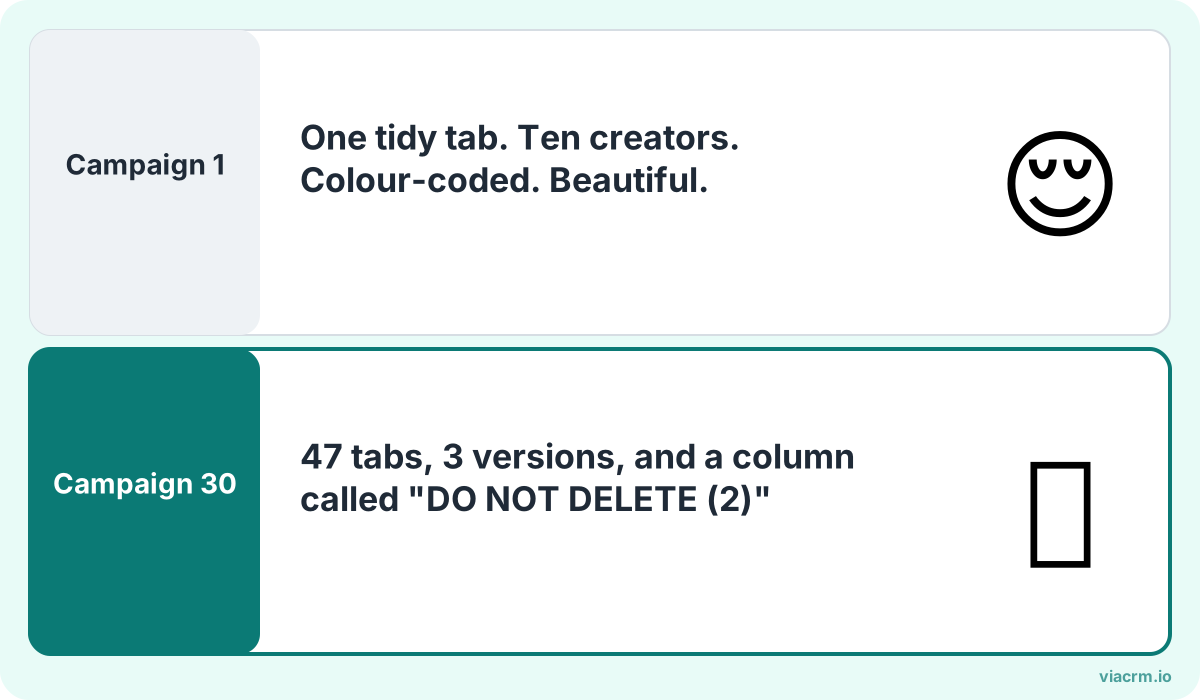
Spreadsheets don't break. They just slowly take over your week.
A spreadsheet is perfect for a list: creator name, handle, rate, status. It's when a campaign needs conversations, files, approvals and money attached to each row that things start to slip.
A sheet can say 'Draft: received'. It can't hold the video, the client's comment on the video, the creator's revised version, and the record of who approved it at what time. Those end up in WhatsApp, email and Google Drive, and the sheet becomes a summary of things that live somewhere else.
That's fine with five creators. With thirty creators across three clients, it's where mistakes come from.
Seven warning signs
If more than two of these sound familiar, your process has outgrown the sheet.
Drafts get lost in WhatsApp. Someone scrolls up through a group chat looking for 'the second version, the one with the new caption'. Sometimes the wrong version gets approved.
Version chaos. There are three copies of the tracker: one on your laptop, one shared with the client, one a colleague duplicated 'just for this week'. Nobody is sure which is current.
You're chasing post links. The campaign went live days ago and you're still messaging creators for their links and screenshots so you can start the report.
Payment errors. A creator was paid twice, or not at all, or the amount in the sheet didn't match the agreed rate. Finance asks for invoices you don't have in one place.
The client keeps asking for status. Every few days: 'How many are live? Has she posted yet?' Each answer takes half an hour to put together.
One person holds it all together. If your campaign executive is on leave, nobody else can tell what's been approved.
Reports take days. Copying views from Instagram and TikTok, one post at a time, into a sheet, then into slides.
None of these mean anyone is doing a bad job. They mean the tool is being asked to do more than it was built for.
What to move first
You don't have to replace everything in one go. Move the parts that cause the most risk and the most repeated work, in roughly this order:
Move first
Why
What it fixes
Draft approvals
Wrong-version approvals are the costliest mistake
Lost drafts, version chaos, client back-and-forth
Briefs
Creators can't follow what they can't find
Repeated questions, off-brief drafts
Post links and results
Reporting starts the moment posts go live
Chasing links, slow reports
Payments
Money errors damage relationships with creators
Double payments, missing invoices
Creator list and rates
Easier once the rest has a home
Scattered contact details
Your master list of creators can stay in a sheet for a while if it's working. What matters is that the campaign work (drafts, approvals, links, payments) stops depending on chat threads.
A migration checklist
Use this when moving from a spreadsheet to a proper system, whatever tool you choose:
Pick one live campaign to pilot, ideally a small one, not your biggest client's festive launch.
Clean the creator list first. Remove duplicates, check handles still exist, and note each creator's platforms and niche.
Write one standard brief format with objectives, deliverables, dates, restricted keywords and required disclaimers.
Agree the approval steps with the client: who reviews first, who signs off, and how fast.
Tell creators how things will change. Where they'll get the brief, where to upload drafts, how they'll be paid.
Run the old sheet alongside for one campaign, then stop updating it. Two sources of truth is worse than one.
Check who can see what. Creator phone numbers, bank details and rates are personal or sensitive data. Keep access to people who need it, in line with Malaysia's Personal Data Protection Act 2010.
Review after the first campaign and adjust before rolling out to every client.
Keep the good parts of your spreadsheet
Spreadsheets taught your team useful habits. Keep them:
One row per creator per campaign. The same clear structure works in any system.
Notes on each creator. Who's quick to reply, who needs a reminder, who makes great hooks. That knowledge is valuable; bring it with you.
The goal isn't to get rid of spreadsheets for the sake of it. It's to stop running campaigns from WhatsApp scroll-back.
Where ViaCRM fits
ViaCRM was built by agencies, for agencies and brands, to replace exactly this patchwork. Each part of the checklist has a place:
Briefs with objectives, deliverables, draft and posting dates, restricted keywords, disclaimers and sample content.
Drafts uploaded and watched inside ViaCRM, with comments and two-layer approval: your project manager first, then the approver (your client). Every approval is timestamped, so there's no question which version was signed off.
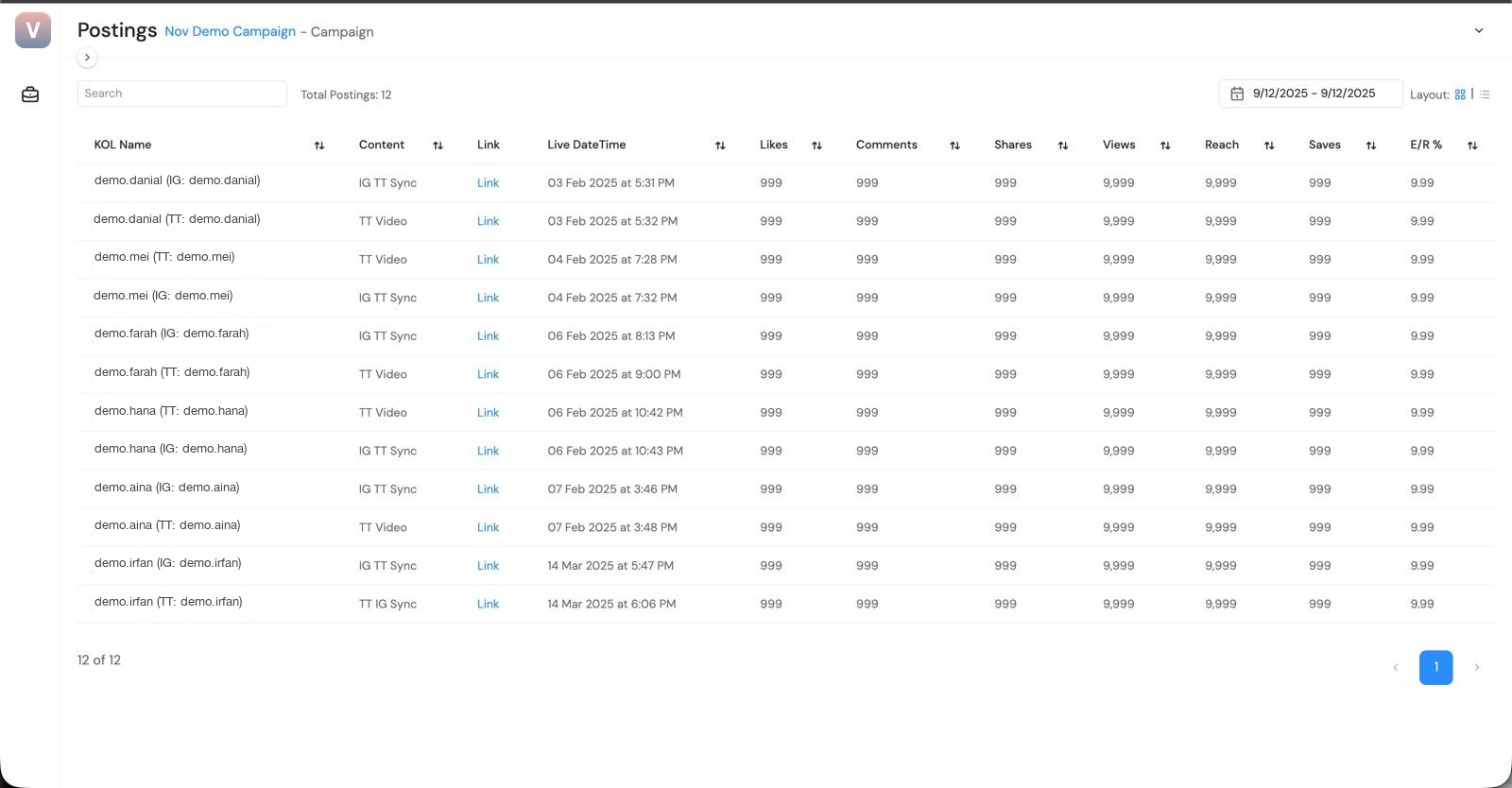
Instagram and TikTok results pulled automatically and updated weekly; other platforms entered in the same report.
Payments from one deposit. Register ViaCRM as one vendor, release payments with a click, and ViaCRM pays each creator through Airwallex.
Clients log in to see progress themselves, so 'where are we?' answers itself.
Your first campaign for each brand is free, which makes it easy to pilot on one campaign before deciding. See the plans on pricing.
Every campaign and its status in one place.
Frequently asked questions
Can I manage influencer campaigns in Google Sheets?
Yes, and many teams start that way. Sheets work well for small campaigns with a handful of creators. They become hard to manage once drafts, approvals, post links and payments are spread across WhatsApp, email and several copies of the file.
What should I move out of my influencer spreadsheet first?
Draft approvals, because approving the wrong version is the costliest mistake. Then briefs, post links and results, and payments. Your creator list can stay in a sheet a little longer if it's working.
How long does it take to move off spreadsheets?
Pilot one small campaign first and run the old sheet alongside it once. Most teams know after a single campaign whether the new process works, then roll it out to other clients.
Is it safe to keep influencer contact details in a spreadsheet?
It can be, if access is controlled. The risk is copies being shared widely. Phone numbers and bank details are personal data, so limit who can see them and follow Malaysia's Personal Data Protection Act 2010.
Run your first campaign free
Move briefs, drafts, approvals, results and payments out of chat threads and into one place with ViaCRM.
What influencer campaign management software does, how it differs from discovery tools, and a checklist and vendor questions to help you choose the right one.
How to review and approve influencer content: a draft checklist, a two-layer agency and client workflow, turnaround times, and how to give creators feedback.
How to pay influencers in Malaysia: vendor registration, bank details, payment timing, invoices, foreign creators and FX, and records finance will accept.